Google Review Nicknames: What Businesses Should Change in 2026
Google Maps lets customers review businesses under nicknames. Update your requests, complaint handling, and replies without exposing customer details.

A Google reviewer’s name may not match your customer records
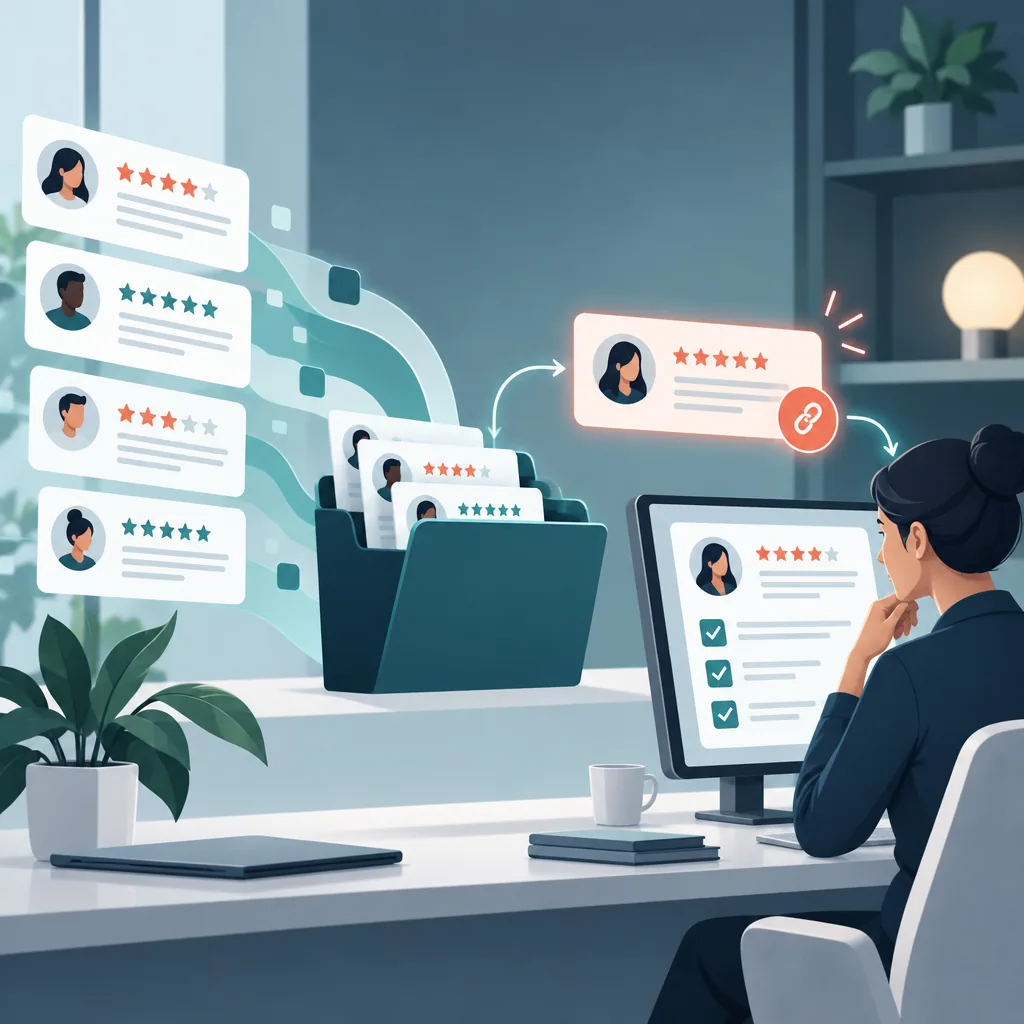
A one-star review arrives from someone called CoffeeFan27. Your booking system has no matching customer. Before your team replies that the reviewer never visited, check your process: Google Maps explicitly lets people post reviews using a custom name and profile picture.
Google announced the feature in November 2025, with a global rollout across Android, iOS, and desktop. Reviews remain associated with the reviewer’s Google Account behind the scenes, and Google says its protections against suspicious and fake reviews still apply. Google’s announcement establishes the distinction: a public nickname does not mean an account-free review.
For businesses managing reviews in 2026, the practical change is straightforward. Treat the display name as a public identity, not a reliable customer lookup field.
Understand what the nickname option actually changes
According to Google’s profile documentation, customers can choose a custom display name and picture for public contributions across Maps and Search. That identity appears with reviews, photos, videos, and other supported contributions.
This is a shared public profile setting. It should not be presented to customers as a disposable identity created separately for each business they review.
Avoid promising anonymous feedback when explaining the option. Google still associates the review with an account, and the customer’s own review text or photographs could reveal identifying details. A nickname changes what appears beside the review; it does not make everything the customer publishes private.
Update review requests without directing the review
If a customer says they would rather not publish feedback under their account name, point them to Google’s instructions. Keep the explanation factual and optional.
For example, a follow-up email could say:
“Thanks for visiting. If you’d like to share your experience on Google, here’s our review link. Google also offers a custom public display name and picture in your profile settings.”
Link to the official help page rather than maintaining detailed instructions that your team must keep current. Google currently documents the Android route through Contribute, View your profile, and Edit profile.
Keep the request neutral. Google’s content policy permits requests for genuine reviews without incentives or attempts to influence their rating or content. Explain the privacy option without suggesting a star rating, prescribing phrases, or asking customers to create extra accounts.
Replace name matching with a documented investigation
A nickname alone should not trigger a fake-review accusation. Equally, it does not establish that every allegation is accurate.
Create a short internal checklist for reviews your team cannot immediately identify:
- Save the review link, publication date, rating, and relevant text.
- Look for operational details such as the location, service, approximate visit time, or product mentioned.
- Ask the appropriate manager to check the incident privately.
- Record whether the complaint is identifiable, unresolved, or supported by evidence of a policy violation.
Consider a hypothetical repair shop review alleging that a quoted price changed at collection. The useful investigation starts with recent estimates and collection disputes. Searching only for CoffeeFan27 would tell the manager very little.
Keep uncertainty explicit in your notes. “Unable to identify the transaction” is a useful finding. “Definitely fake” requires evidence beyond a missing name match.
Respond without identifying the person publicly
Google explains that approved business replies are posted publicly beneath the review. Write for that public setting, even when your staff believe they know who posted it.
A suitable response to an untraceable complaint might read:
“Thank you for raising the pricing concern. We’d like to check the estimate and collection details. Please contact our service manager through the contact details on our website so we can investigate privately.”
Ask for transaction details through your private support channel. Do not invite the reviewer to publish an invoice number, address, or appointment record in another public comment.
Google’s content rules prohibit posting personal information without consent. Apply that boundary when reviewing AI-assisted drafts: remove any customer identity, account detail, or sensitive context introduced from internal records. A draft should acknowledge the issue without making assumptions about who wrote it.
Report specific violations, not unfamiliar usernames
Google’s removal guidance says only reviews that violate its policies qualify for removal. Disagreement or dislike is not enough.
If your investigation identifies a specific violation, save the supporting evidence and report the review using the appropriate reason. Track the decision in Google’s Reviews Management Tool. Google also documents a one-time appeal when a reported review is found not to violate policy.
Keep the complaint investigation moving while the report is pending. Assign someone to check the underlying service issue, even if another team member handles the platform report. That gives the business a clear next action without assuming Google will remove the review.
Give your team one consistent workflow
ReviewHive brings reviews from multiple platforms into one dashboard, tracks rating trends, and drafts AI-assisted replies. Use that shared view to review incoming feedback consistently, then check each draft against the facts available to your team.
For nickname reviews, add a simple editorial rule to your response process: never accuse someone of being a non-customer solely because their display name does not match your records. Have a manager review uncertain or sensitive cases before publishing.
During your regular reputation review, compare rating changes with the operational incidents your team has investigated. Keep display-name uncertainty separate from the substance of the feedback.
If your team needs a clearer way to monitor feedback and prepare thoughtful responses, explore ReviewHive for centralized review management and AI-assisted replies.
Sources
- Google: Simplify the holidays with 4 new Google Maps features
- Google Maps Help: Choose how you appear publicly on Google Maps & Search
- Google Maps User Generated Content Policy Help: Prohibited & restricted content
- Google Business Profile Help: Manage customer reviews
- Google Business Profile Help: Report inappropriate reviews on your Business Profile