Google Maps Price Ranges and Reviews: Your 2026 Pricing Audit
Audit Google Maps prices, fix outdated menus, and handle price complaints with a practical review-management plan for 2026.
Check the price customers see before they arrive
Price complaints deserve a place in your next reputation audit. NIQ's July 2026 restaurant analysis found that 30% of guests strongly agreed their experience represented good value for money in early 2026. Its research also identifies food and drink quality as important components of perceived value. For operators, that suggests checking both the bill and the experience behind it. NIQ's analysis provides the context.
Start with a specific test: can a customer looking at your Google Maps listing, menu, and recent reviews form a realistic expectation of what a visit costs?
Understand where Google's price ranges come from
Google documents two sources for price ranges: customer contributions and merchant-provided information. When people write reviews, Google may ask structured questions about spending per person. Those answers help populate the spending information shown on Maps and Search.
On desktop Maps, inspect your listing's Overview section. Google distinguishes customer-reported spending with a label such as "Reported by XXX people" and merchant information with "Confirmed by business X days ago." Check which source appears before deciding what needs correcting. Google explains these price sources.
Treat customer-reported spending as context. Compare it with a realistic order that includes the extras customers commonly choose, rather than your cheapest standalone item.
Audit the menu, including any AI-generated version
Google's menu editor supports item descriptions and prices. It also offers experimental AI conversion of menu photos or PDFs into a detailed menu, with a review step before publication. If you've used that option, check every generated price against the original.
Build a short comparison list:
- Your website's current menu and downloadable PDF.
- Item prices displayed directly on your Business Profile.
- The menu link customers reach from Google.
- Your own uploaded menu photographs.
- Delivery menus, with any channel-specific pricing clearly explained.
For eligible profiles, select Edit menu to correct item information. Google says changes can take 24 to 48 hours to appear on Maps and Search. Where multiple menu sources are available, inspect the preferred source too. These controls are described in Google's menu editor documentation.
Assign someone to check the public listing after publication. A saved edit should be followed by a customer-facing check.
Separate price objections from pricing surprises
For your next review audit, manually group price-related comments into four working categories:
- Budget mismatch: The customer understood the price but wanted a cheaper option.
- Information mismatch: An old menu or listing showed a different amount.
- Unexpected charge: An add-on or fee wasn't understood before purchase.
- Value disappointment: The price was clear, but the food, service, or portion didn't meet expectations.
Consider two hypothetical reviews. "Too expensive for lunch" calls for a different investigation from "The online menu said $18, but I was charged $24." The second gives you a specific information discrepancy to verify.
Record the wording, date, platform, location, and suspected cause. Avoid assigning a cause until someone has checked the menu, transaction, or service details.
Fix the information before drafting the reply
Use each verified mismatch to create a concrete task. Replace an outdated PDF. Clarify whether a listed package includes an add-on. Put an explanation where customers choose or book the service.
For value complaints, ask the operations team to investigate the experience described. A discount doesn't explain why a customer received a cold meal or waited longer than promised.
The website belongs in this workflow. In BrightLocal's 2026 survey of 1,002 US adults, 54% said they check a business's website after reading positive reviews. Give those visitors current pricing information that agrees with your listings. BrightLocal's survey supports checking the full path from review to website.
Reply with a verified explanation
Google advises businesses to keep replies concise, professional, and relevant. Its guidance also recommends protecting private information and taking complex matters to phone or email. Read Google's reply guidance.
For a confirmed outdated menu, a hypothetical reply could read:
Thanks for flagging this. Our online menu showed an older price, and we've corrected it. We're sorry for the confusion. Please contact our manager so we can discuss your visit privately.
Use that wording only after verifying and correcting the error. If the price was accurate, acknowledge the customer's disappointment and address the specific experience without debating their budget.
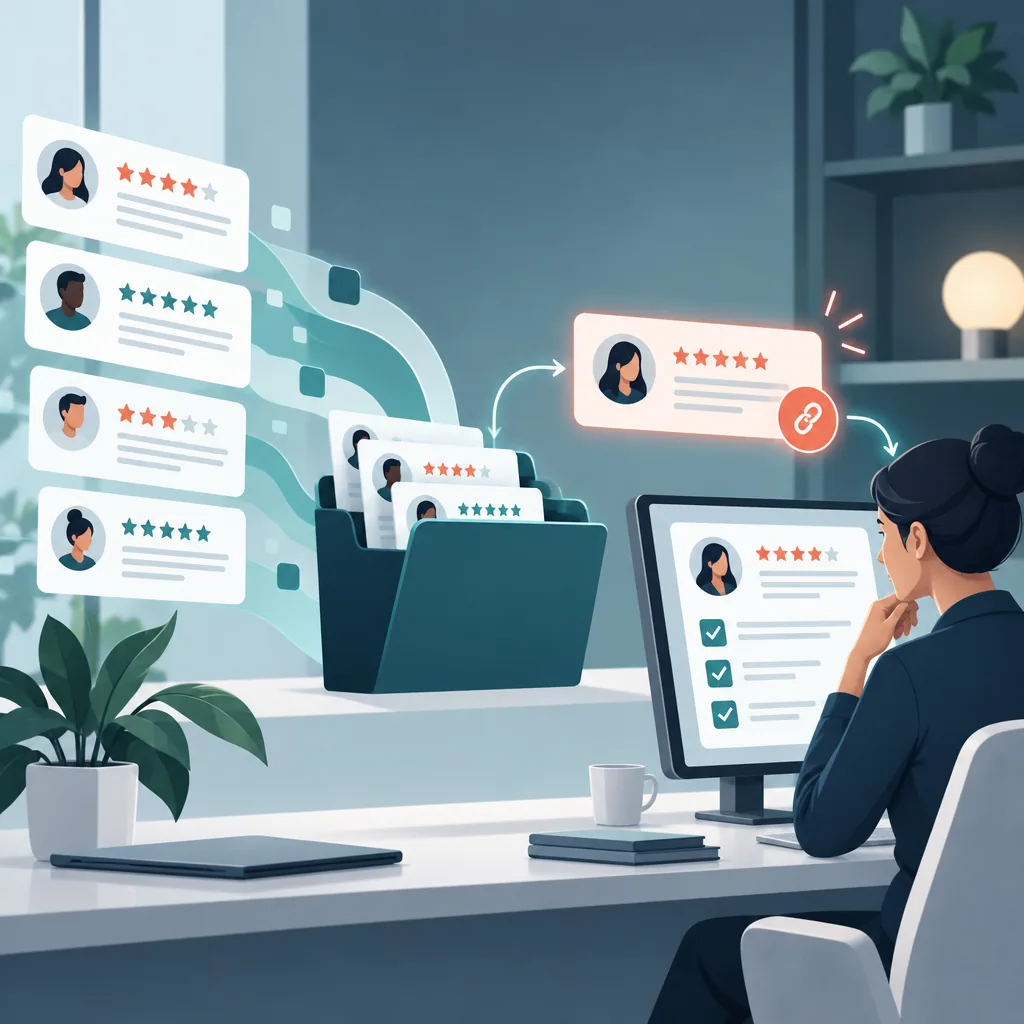
ReviewHive can bring reviews from multiple platforms into one dashboard and provide AI-assisted reply drafts. Give each draft a human check against the facts before publishing, especially when it mentions a correction, refund, or promise.
Measure whether the specific complaint returns
Run a monthly manual count of pricing complaints alongside ReviewHive's rating trends and analytics. Record how many reviews mention outdated prices, unexplained extras, or disappointing value, then compare those counts with the total reviews received.
Keep the categories separate and note the date of each correction. If an outdated-menu complaint returns after the update, investigate the exact page or photograph the customer used. That gives your next audit a clear starting point.
Use ReviewHive to keep incoming feedback, rating trends, and reply drafting together while your team follows through on pricing fixes.